About the 10 Minute Beginner Series
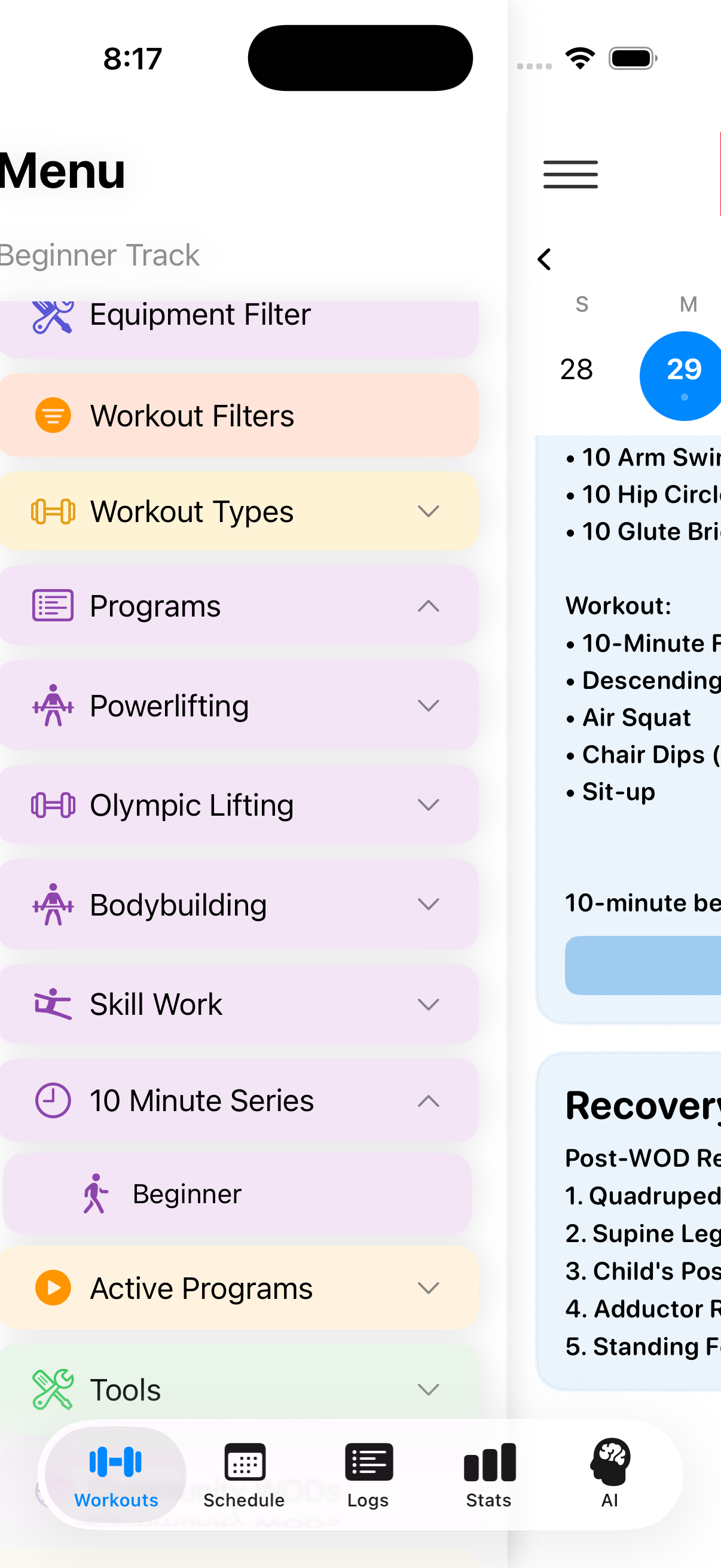
The 10 Minute Beginner Series is a comprehensive year-long program designed to help you build a consistent fitness routine. This program is perfect for beginners and can be customized to fit your schedule.
- Program Duration: 1 year (52 weeks)
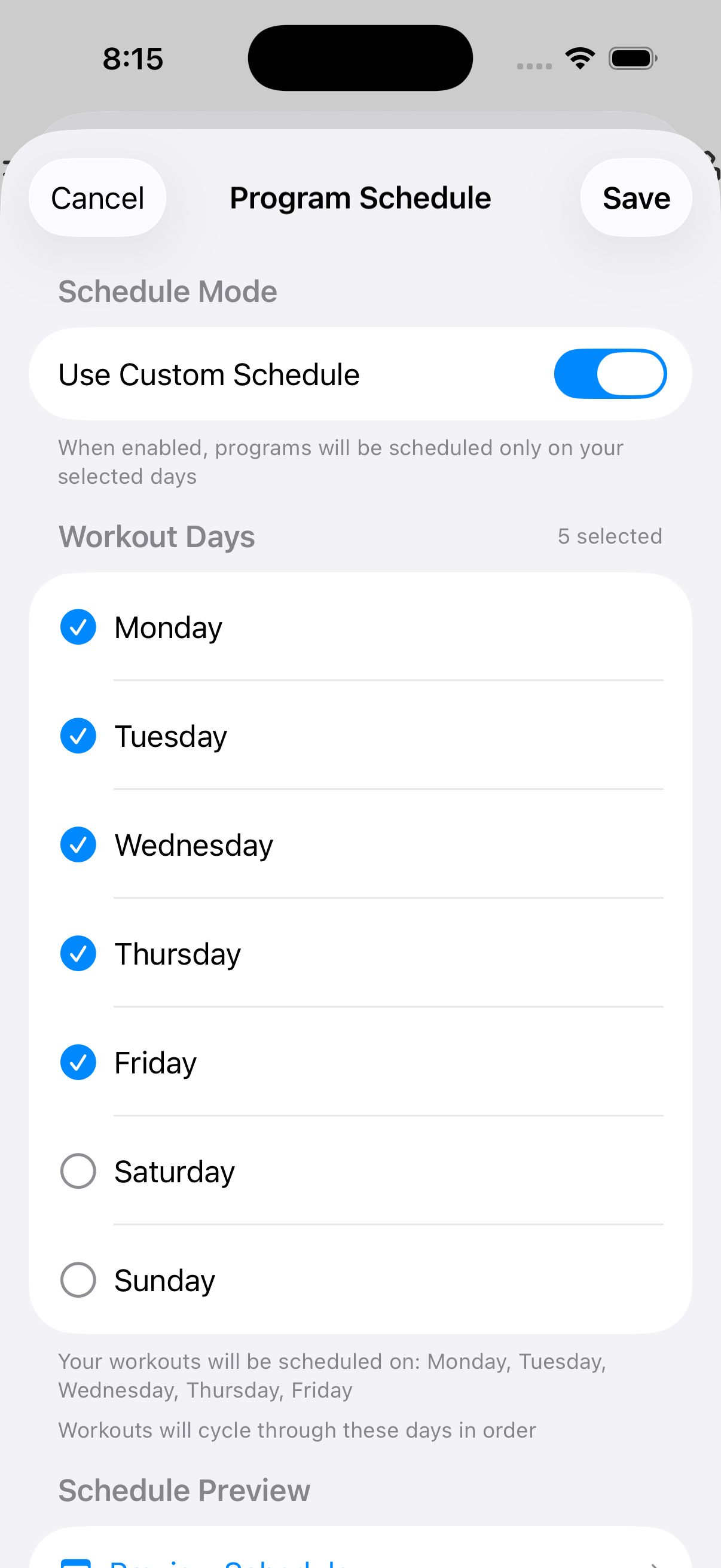
- Default Schedule: 5 days per week
- Workout Length: 10 minutes per session
- Flexible Scheduling: Choose your workout days (3, 4, or 5 days per week)
Note: If you select fewer than 5 workout days per week, the program will automatically extend to ensure you complete all workouts.
1
Access Program Schedule Settings
Open Settings
To begin setting up your 10 Minute Beginner Series, you'll first need to configure your workout schedule preferences.
- Open the ReadyWOD app
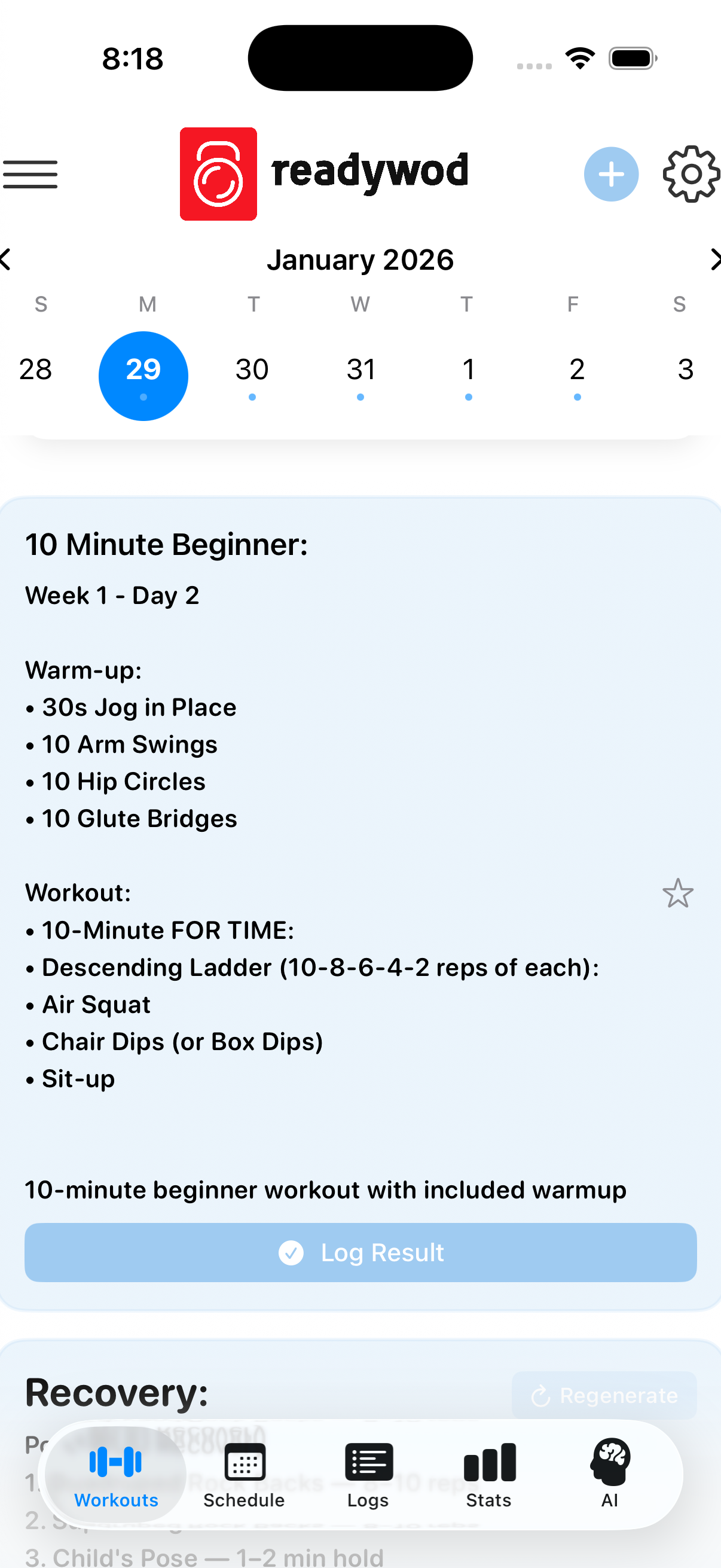
- Look for the gear icon (⚙️) in the top right corner of the screen
- Tap the gear icon to open the Settings menu
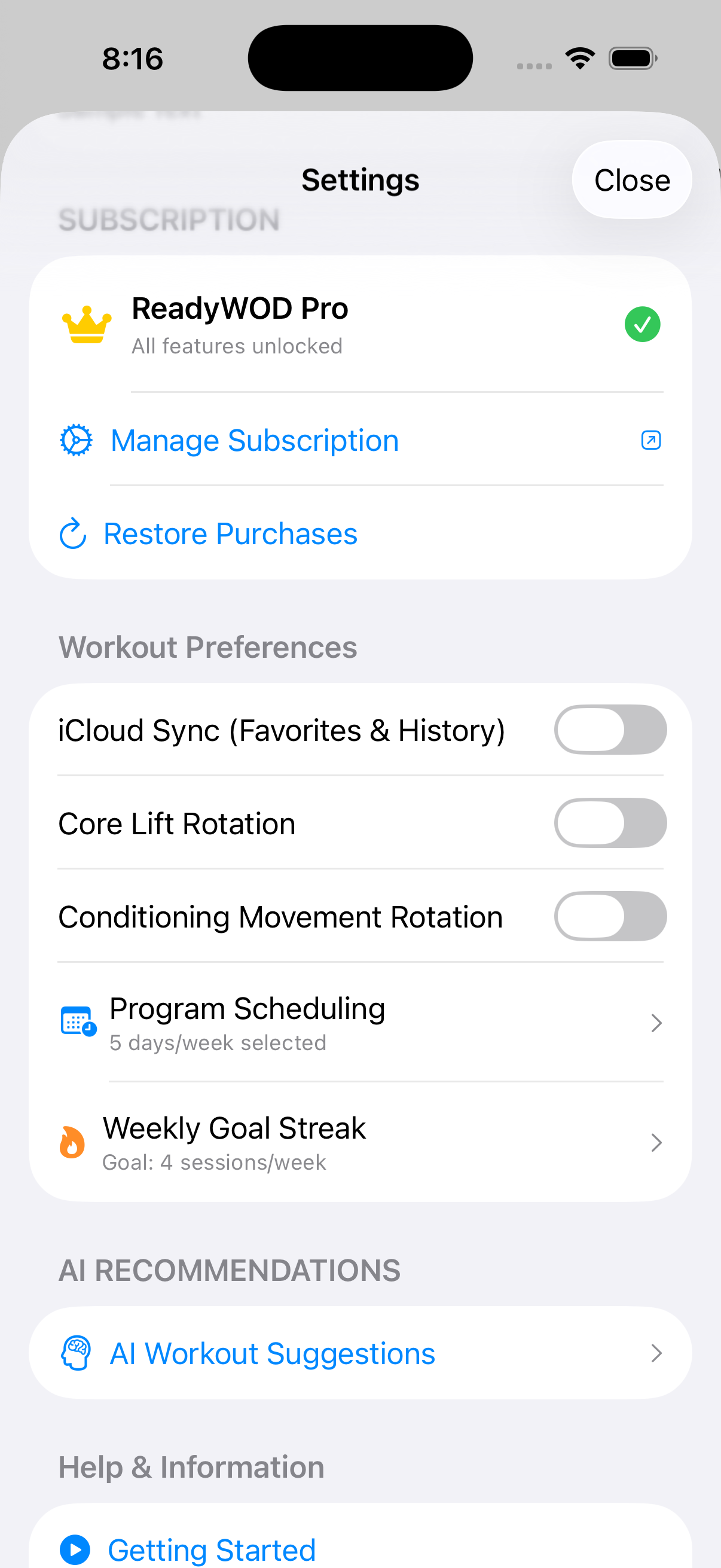
- In the "Workout Preferences" section, find and tap on "Program Scheduling"
- You'll see it shows "5 days/week selected" (or your current setting) with a right arrow indicating it's tappable
💡 Tip: The gear icon is always accessible from the main workout screen, making it easy to adjust your schedule at any time.